What Is the Difference Between WMS and ERP Systems?
If you run a warehouse, you’ve probably heard both WMS and ERP thrown around like they’re the same thing. They’re not. Mixing them up can cost you time, money, and accuracy - especially when orders start piling up and your team is scrambling to keep up.
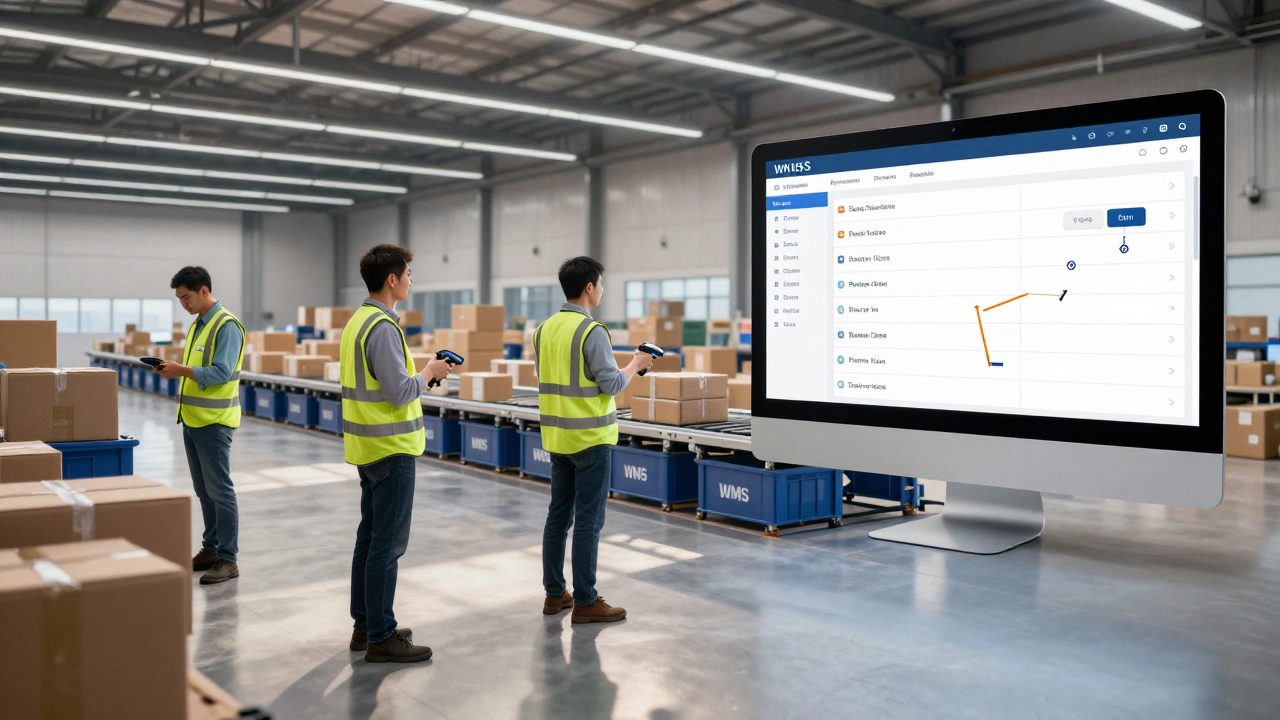
Think of it this way: your ERP is the company’s central nervous system. It handles finance, HR, sales, procurement, and yes - inventory. Your WMS is the specialized brain in charge of the warehouse floor. It knows where every box is, who picked it, how long it took, and if the forklift driver took a shortcut through the packing station.
What a WMS Actually Does
A Warehouse Management System (WMS) is built for one thing: running the warehouse like a well-oiled machine. It doesn’t care about payroll or invoices. It cares about space, speed, and accuracy.
Here’s what a good WMS handles daily:
- Real-time inventory tracking - down to the bin level
- Optimized picking routes - so your staff walk less and ship more
- Receiving and put-away workflows - telling workers exactly where to store incoming goods
- Wave planning - grouping orders to process them together for efficiency
- Barcode and RFID scanning - reducing human error in picking and packing
- Integration with conveyor systems, automated storage, and robotics
Companies like NZ Logistics in Auckland use WMS tools like Fishbowl or Manhattan Associates to handle 8,000+ SKUs across three warehouses. Their picking accuracy jumped from 92% to 99.7% after switching to a dedicated WMS. That’s not luck - that’s system design.
What an ERP Actually Does
An Enterprise Resource Planning (ERP) system is the big picture tool. It connects every department under one roof. If your sales team closes a deal, your ERP updates inventory, triggers the invoice, logs the payment, and adjusts your financial forecasts - all in one go.
Common ERP functions include:
- Financial accounting and reporting
- Procurement and supplier management
- Customer relationship management (CRM)
- Production scheduling
- Human resources and payroll
- Basic inventory tracking - but only at a summary level
ERP systems like SAP S/4HANA or Microsoft Dynamics 365 are powerful. But if you’re relying on their built-in warehouse module to manage your picking lines, you’re asking a generalist to do a specialist’s job.
One Wellington-based e-commerce business tried using their ERP’s inventory module alone. They ended up shipping the wrong size 14% of the time because the system couldn’t track which bins held which SKUs. After adding a WMS, that dropped to 0.3%.
WMS vs ERP: The Core Differences
Here’s the real breakdown - side by side.
| Feature | WMS | ERP |
|---|---|---|
| Primary focus | Warehouse operations | Company-wide business processes |
| Inventory detail | Bin-level, real-time tracking | Summary-level, periodic updates |
| Picking and packing | Optimized workflows, barcode scanning | Basic order fulfillment, no route planning |
| Integration with hardware | Yes - scanners, conveyors, robots | Usually limited or none |
| Reporting depth | Operational KPIs: picks per hour, accuracy, labor efficiency | Financial and strategic metrics: COGS, inventory turnover, profit margins |
| Implementation time | 2-6 months | 6-18 months |
WMS gives you control over the floor. ERP gives you control over the books. One tells you how fast your team moves boxes. The other tells you how much profit you made on them.
When You Need Just One
You don’t always need both. If you’re a small business shipping 50 orders a day from a single room, your ERP’s inventory module might be enough. But as soon as you add a second warehouse, hire more pickers, or start using automation, you’ll feel the limits.
On the flip side, if you’re running a massive warehouse with 50+ staff, automated sorters, and 10,000+ SKUs - but no ERP - you’re probably juggling spreadsheets for payroll, manually entering sales invoices, and wondering why your cash flow is always off. You need the ERP to tie it all together.
How They Work Together
The smartest companies use both - and connect them tightly.
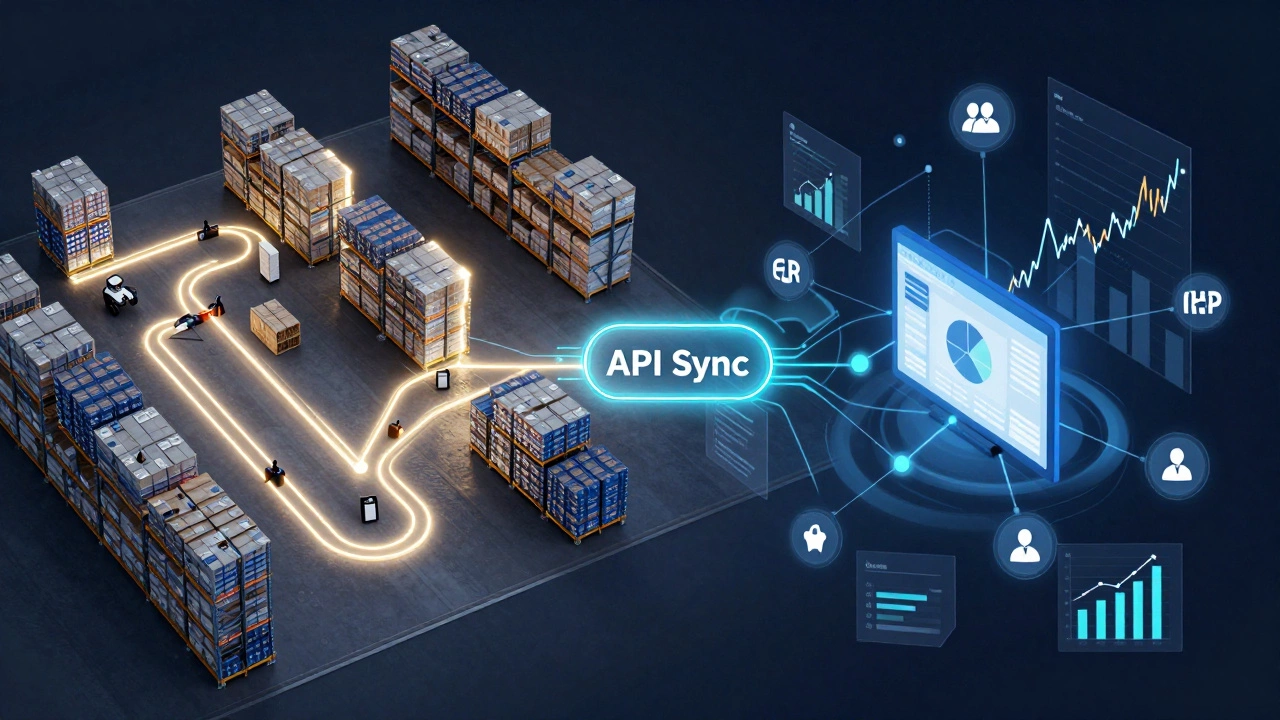
Your WMS handles the warehouse. Your ERP handles the rest. They talk to each other through APIs or middleware. Here’s how it flows:
- Customer places order online → ERP receives it
- ERP sends order details to WMS → WMS creates a pick list
- WMS guides picker to bin, scans item, packs it
- WMS updates inventory in real time → ERP syncs the change
- ERP triggers shipping label, invoice, and payment reminder
This handshake keeps your inventory accurate, your customers happy, and your finance team from pulling their hair out.
One Christchurch distributor using Odoo ERP with a custom WMS module saw their order-to-ship time drop from 48 hours to under 6 hours. Why? Because the WMS knew exactly where everything was - and the ERP didn’t have to guess.
Common Mistakes to Avoid
People make the same errors over and over:
- Buying ERP because it has "inventory management" - then blaming the system when picking is slow
- Using a WMS without connecting it to finance - leading to mismatched stock counts and lost revenue
- Assuming cloud-based ERP means it’s "good enough" for warehousing - it’s not
- Waiting until you have a crisis to upgrade - by then, you’re already losing money
There’s no shame in starting simple. But if you’re growing - and you want to stay competitive - you’ll eventually need both tools working in sync.
What to Look For When Choosing
Don’t buy based on brand names. Ask these questions:
- Does the WMS support real-time barcode scanning and mobile devices?
- Can it integrate with your current ERP without custom coding?
- Does it track labor performance and warehouse utilization?
- Can it handle multi-location inventory?
- Is the vendor actually experienced in your industry? (e.g., food, electronics, apparel)
For ERP, ask:
- Does it support your currency and tax rules?
- Can it scale with your sales volume?
- Is the reporting flexible enough for your leadership team?
- Does it have a clear upgrade path - or are you stuck with outdated software?
Final Thought
WMS and ERP aren’t rivals. They’re teammates. One runs the warehouse. The other runs the business. You need both - but only if you understand what each does best.
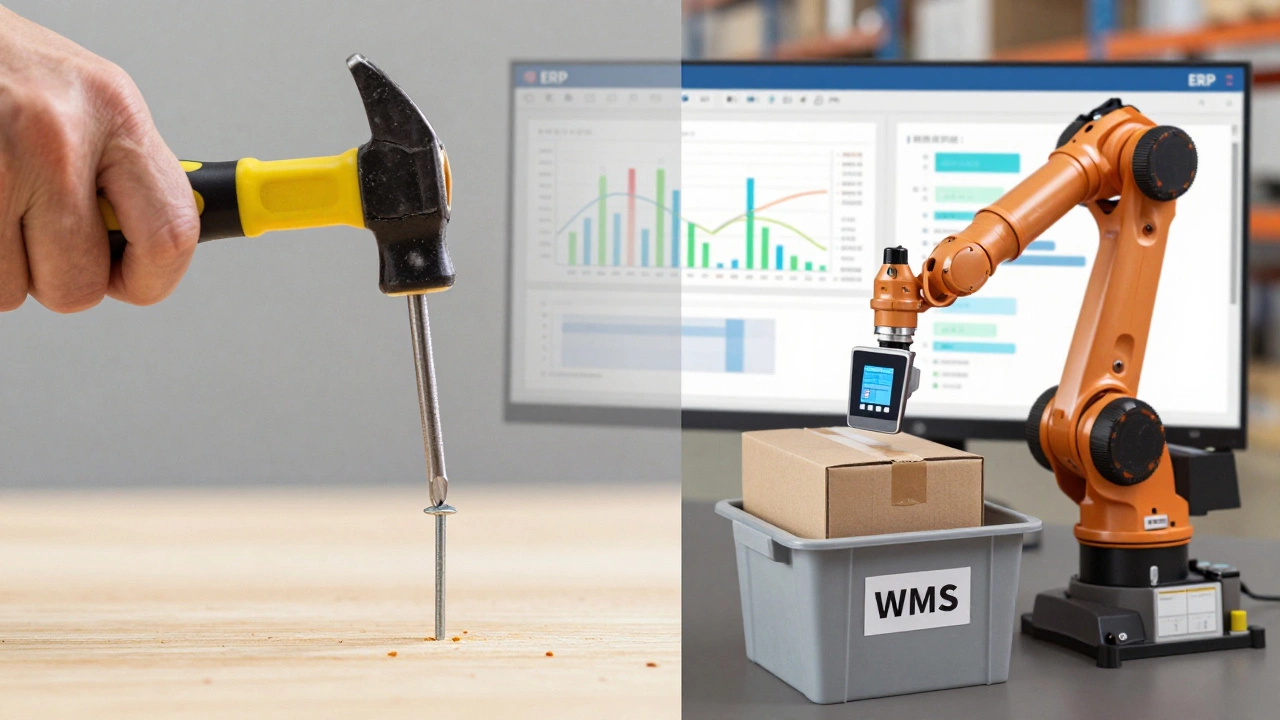
Trying to make your ERP do a WMS’s job is like using a screwdriver to hammer a nail. It might work for a while - but you’ll end up with bent nails and a broken tool.
Can a WMS work without an ERP?
Yes, a WMS can work alone - especially for standalone warehouses or third-party logistics providers. Many small-to-medium businesses use WMS tools like Zoho Inventory or NetSuite’s warehouse module without a full ERP. But if you’re managing sales, finance, or procurement internally, you’ll eventually need an ERP to tie those functions together.
Is ERP inventory tracking accurate enough for warehouses?
No. ERP inventory tracking is usually updated in batches - daily or weekly. It doesn’t track items at the bin level, and it doesn’t account for real-time movements like picking, packing, or returns. That’s why warehouse errors pile up when you rely on ERP alone. WMS systems track every scan, every movement, in real time.
Which is more expensive: WMS or ERP?
ERP systems are typically more expensive overall - often costing tens of thousands to hundreds of thousands of dollars to implement. WMS tools can be cheaper upfront, but high-end systems like Manhattan or Blue Yonder can rival ERP prices. The real cost is in integration and training. Most businesses end up spending more on connecting the two than on either system alone.
Can I start with a WMS and add ERP later?
Absolutely. Many companies do. Start with a WMS to fix your warehouse efficiency, then add an ERP when you’re ready to scale sales, finance, or procurement. Just make sure your WMS can integrate with future ERP systems - look for open APIs and standard data formats like XML or JSON.
Do I need both if I’m a small e-commerce business?
If you’re shipping under 200 orders a week from one location, a cloud-based all-in-one like Shopify with built-in inventory or Zoho Inventory might be enough. But if you’re adding multiple warehouses, returns processing, or automated fulfillment, you’ll outgrow those tools fast. Don’t wait until you’re drowning in errors - plan ahead.
If you’re serious about scaling your warehouse operations, don’t settle for a system that tries to do everything poorly. Choose the right tool for the job - and make sure they talk to each other.