What is SAP in a Warehouse? A Practical Guide to WMS
SAP WMS Implementation Readiness & Cost Estimator
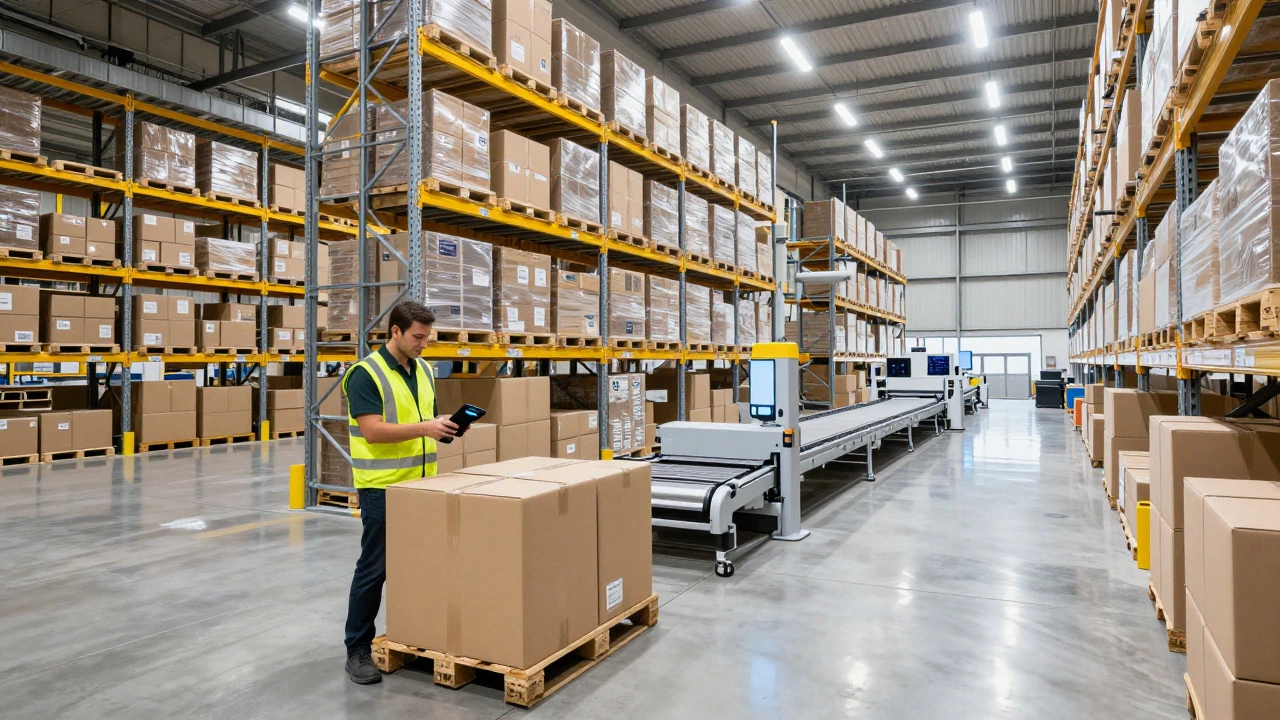
Walk into a modern distribution center and you’ll hear the hum of conveyors and the beep of scanners. Behind that physical activity sits a digital brain deciding where every box goes. That brain is often SAP, specifically its Warehouse Management System (WMS) module designed to optimize storage, picking, and shipping operations. If you’ve heard the acronym in a job description or a vendor pitch but aren’t sure what it actually does on the floor, you’re not alone. Many people confuse it with just another accounting tool, but in a warehouse, it’s the difference between chaos and precision.
The Core Function: More Than Just Inventory Counts
SAP EWM (Extended Warehouse Management) is the primary component most large enterprises use for complex logistics. Unlike basic inventory software that only tells you how many units you have, SAP tracks where they are down to the specific bin, pallet, or shelf level. It manages the flow of goods from the moment a truck docks at the receiving bay until the final shipment leaves the dock. This includes managing labor, equipment like forklifts, and even the layout of the warehouse itself.
The system operates on real-time data. When a worker scans a barcode, SAP updates the location instantly. If a picker grabs the wrong item, the system flags it immediately rather than waiting for a cycle count days later. This granularity is critical for high-volume environments where a single misplaced pallet can delay hundreds of orders.
How It Integrates with Your Broader Supply Chain
You rarely run SAP in isolation. It connects deeply with SAP S/4HANA, the core enterprise resource planning (ERP) suite. Here’s how the relationship works:
- Purchase Orders: When procurement buys raw materials, SAP creates an inbound delivery note automatically.
- Sales Orders: When a customer places an order, the sales team sees stock availability in real-time, preventing overselling.
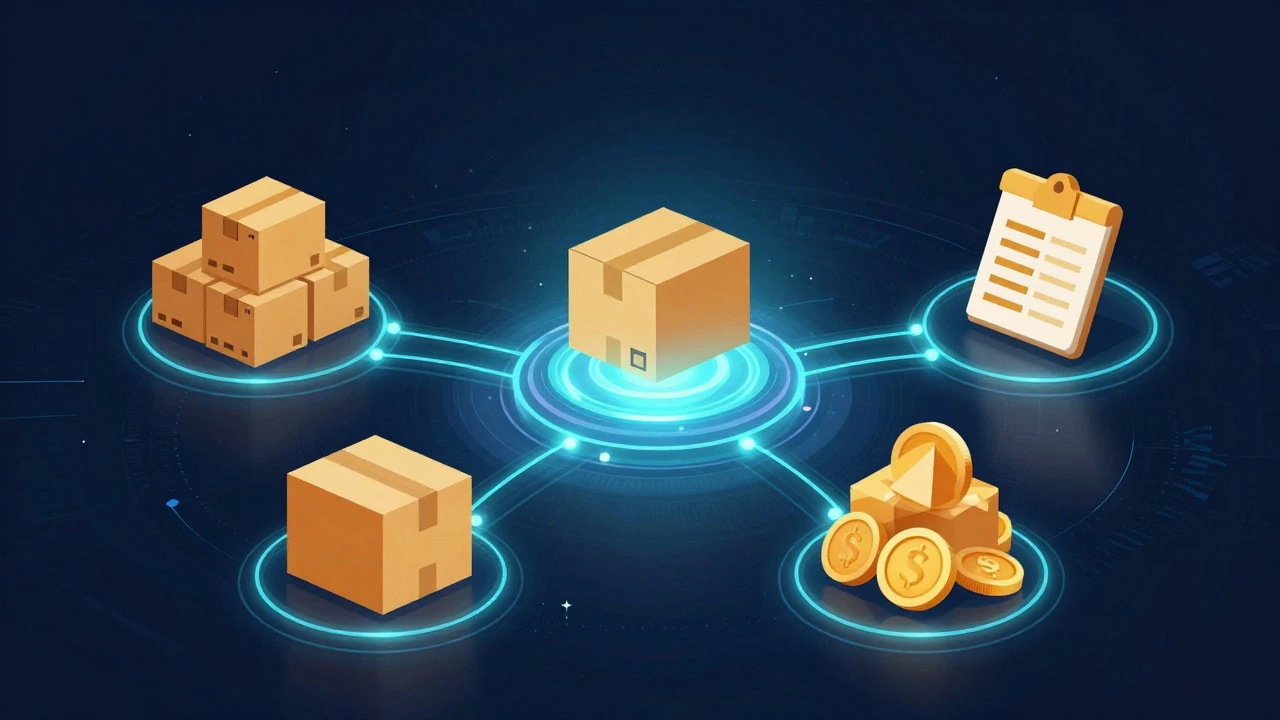
- Financials: Every movement in the warehouse triggers a financial entry. Moving stock from "raw material" to "finished good" changes your asset valuation without manual bookkeeping.
This integration means your finance team doesn’t need to reconcile spreadsheets at month-end. The warehouse data *is* the financial data. For companies dealing with strict regulatory compliance, such as pharmaceuticals or aerospace, this audit trail is non-negotiable.
Key Features That Change Daily Operations
Let’s look at specific workflows where SAP shines. These are the features warehouse managers rely on daily to keep throughput high and errors low.
- Wave Management: Instead of picking one order at a time, SAP groups multiple orders into a "wave." A picker collects items for 50 different customers in one trip, drastically reducing travel time within the aisles.
- Slotting Optimization: The algorithm analyzes velocity data. Fast-moving items get placed near packing stations; slow movers go to higher shelves or further back. You don’t guess; the system calculates the optimal placement based on historical trends.
- Load Building: Before a truck leaves, SAP ensures the cargo is loaded in reverse order of unloading. The first stop’s goods are loaded last, so they are on top. This prevents drivers from having to dig through the trailer at each delivery point.
SAP vs. Standalone WMS: Is It Worth the Complexity?
Not every warehouse needs the full power of SAP. Smaller operations might find it overkill. Let’s compare the two approaches to help you decide if it fits your scale.
| Feature | SAP EWM | Standalone WMS (e.g., Manhattan, Blue Yonder) |
|---|---|---|
| Integration Depth | Native, seamless with ERP | Requires API middleware |
| Implementation Cost | High ($100k+ typically) | Moderate ($20k-$50k) |
| Scalability | Global, multi-site ready | Good for single/multi-region |
| Customization | Extensive but rigid structure | Flexible, quicker to adapt |
| Best For | Fortune 500, complex B2B/B2C | SMBs, specialized niche warehouses |
If you already run SAP S/4HANA for finance and procurement, adding EWM is usually the logical step. The cost of integrating a third-party WMS via APIs often exceeds the cost of implementing the native module. However, if you’re a smaller distributor using QuickBooks or Xero for accounting, a standalone WMS might offer better ROI without the heavy implementation burden.
Common Pitfalls During Implementation
Even with the best software, bad processes will fail. Here are the three most common reasons SAP rollouts struggle in warehouses:
- Poor Data Hygiene: If your master data (item descriptions, dimensions, weights) is wrong, the slotting algorithms will fail. Clean your data before migrating.
- Ignoring User Training: Warehouse staff are used to simple tasks. Complex UIs lead to workarounds. Invest in hands-on training, not just video tutorials.
- Lack of Process Mapping: Don’t digitize a broken process. Map out your current workflow, identify bottlenecks, and fix them manually first. Then automate the improved version.
Future-Proofing with Automation
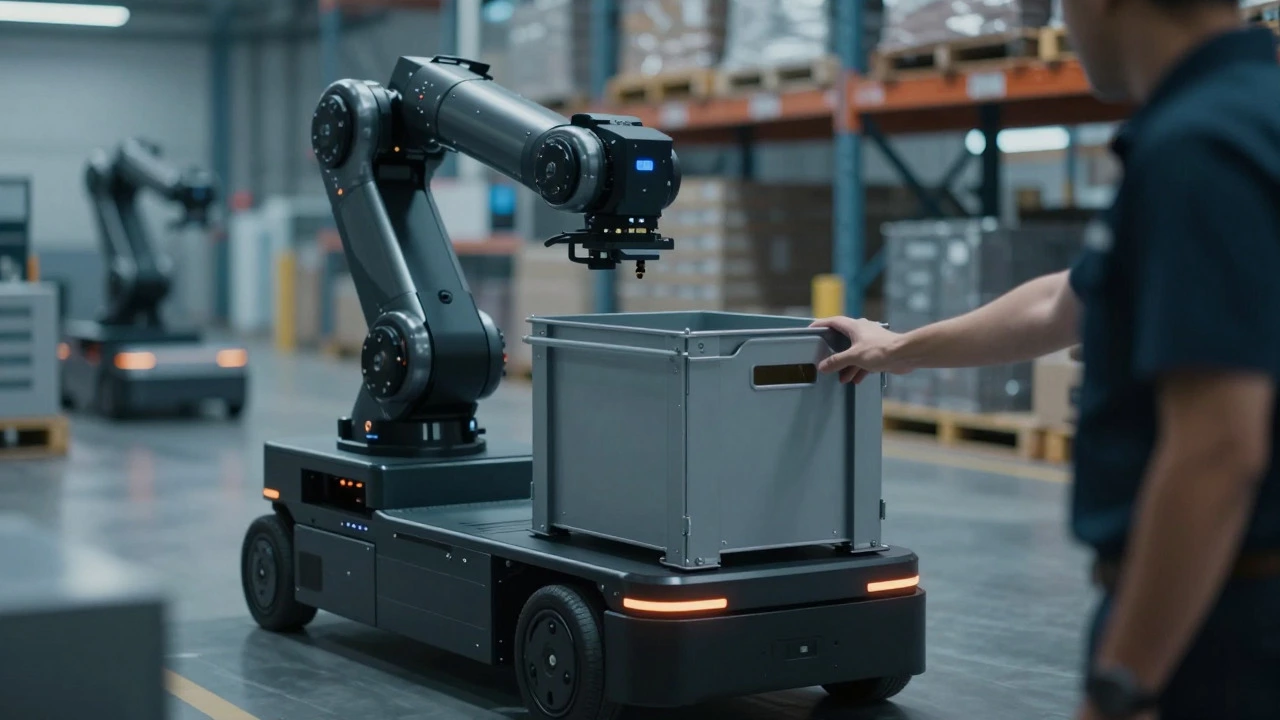
The next wave of warehouse tech involves robotics and AI. SAP is positioning itself to integrate with automated guided vehicles (AGVs) and robotic arms. Through standard interfaces, these robots communicate directly with the WMS. A robot picks a bin, moves it to a human operator, and returns it-all triggered by SAP instructions. This "goods-to-person" model reduces human walking time by up to 60%, a significant efficiency gain in labor-intensive environments.
Frequently Asked Questions
Is SAP only for large companies?
Traditionally, yes, due to high licensing and implementation costs. However, cloud-based versions like SAP Business ByDesign make it more accessible for mid-sized businesses. If you handle over 50,000 SKUs or operate multiple sites, the complexity justifies the investment.
What is the difference between SAP WM and SAP EWM?
SAP WM (Warehouse Management) is the older, legacy module embedded within R/3 systems. SAP EWM is the newer, standalone solution that offers advanced features like cross-docking, detailed labor management, and better support for automation. Most new implementations use EWM.
Can SAP manage cold storage or hazardous materials?
Yes. You can define specific storage conditions in the system. For example, bins designated for "Frozen" will only accept items with that temperature requirement. It also tracks batch numbers and expiration dates, which is vital for food and pharma compliance.
How long does it take to implement SAP in a warehouse?
A typical greenfield implementation takes 9 to 18 months. This includes project setup, configuration, data migration, user acceptance testing, and go-live. Brownfield upgrades (moving from an older version) can be faster, around 6 to 12 months, depending on customization levels.
Does SAP require internet connectivity?
For cloud-hosted instances, yes, stable internet is required. For on-premise installations, local network stability is key. In either case, robust Wi-Fi coverage across the entire warehouse floor is essential for handheld scanners and mobile devices to function without latency.